 See the studio on GitHub
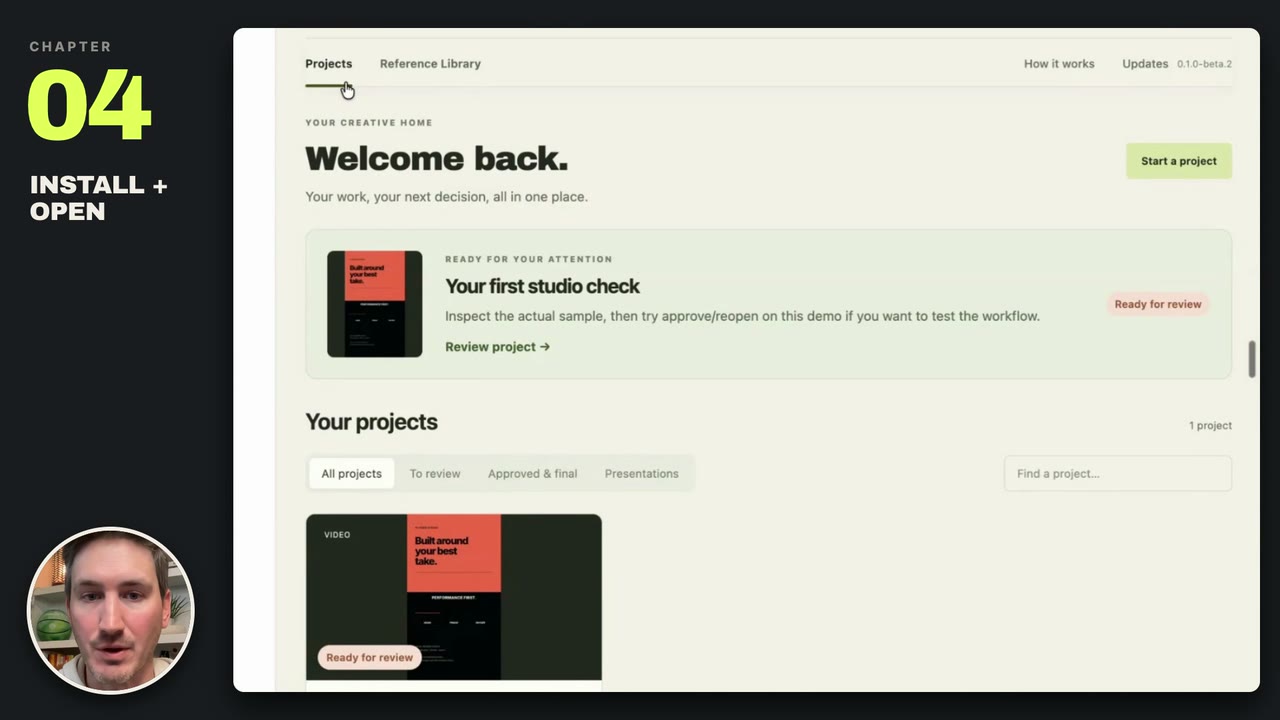
The AI Video Editing Course
Your editing process, explained.
9 video lessons on setup, selecting takes, storyboarding, directing AI, and refining your final edit.
Preview the courseAI VIDEO STUDIO / CREATOR KIT
I’ll show you how to edit with my free AI Video Studio, step by step. Plus, you’ll get 51 original techniques to make better videos in less time.
The studio is free. The Creator Kit is your shortcut.
Creative freedom
1 / 7THE CREATOR KIT · LAUNCH OFFER
WHY I BUILT IT
I have a full-time job, a wife, and two kids. Spending hours editing videos wasn’t cutting it.
So I built my own AI video editing studio. And then I gave it away for free.
People had the studio, but they still had questions.
Where do I even start?
What do I tell the AI?
How do I make my edits actually look good?
SO I CREATED...
My step-by-step course and 51 original editing techniques. Everything you need to stop guessing and start creating.
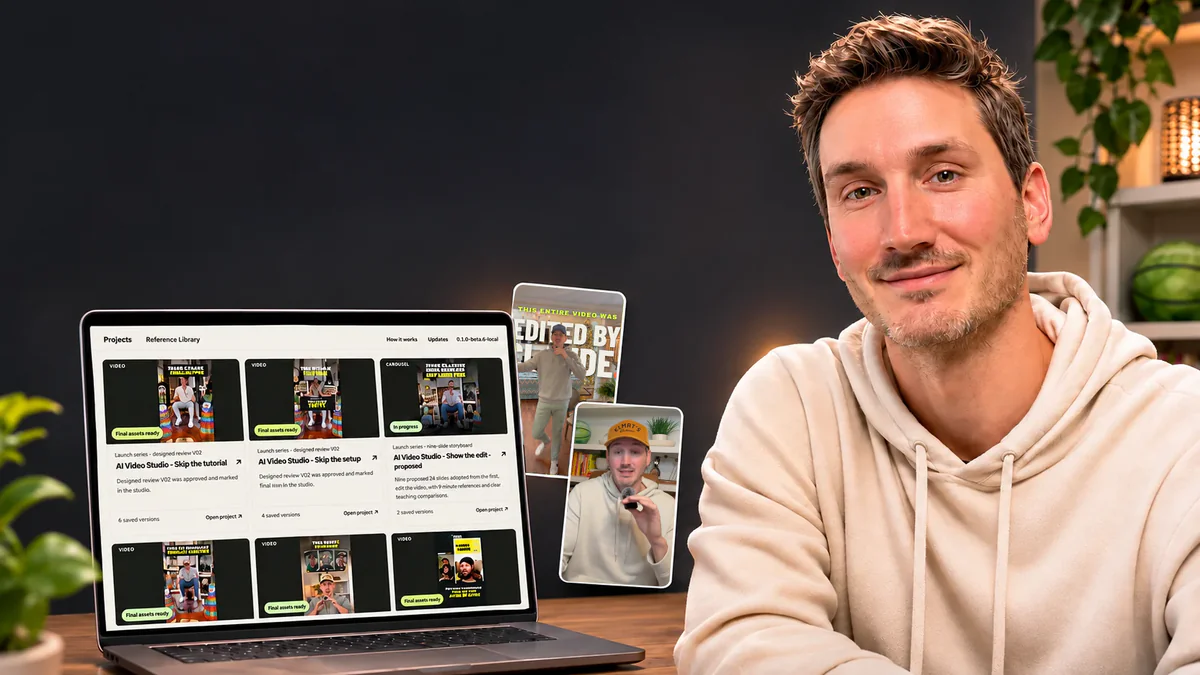
WHAT’S INSIDE THE CREATOR KIT
Follow my workflow instead of spending hours figuring out what to ask AI.
Use the same creative techniques I use to bring my own videos to life.
Get 51 creative starting points instead of building every effect yourself.
9 video lessons on setup, selecting takes, storyboarding, directing AI, and refining your final edit.
Preview the courseType behind you
1 / 6Original effects from my own edits, organized so you can pick a look and adapt it to your footage.
Explore the effectsI’ll walk you through getting the Studio running on your computer.
Work through my process from picking takes to refining your final cut.
Pick a look you like and use it to direct AI on your next edit.
You’ll need a Mac or Windows computer, your own footage, and access to Codex or Claude Code. AI plan and usage costs are separate.
One-time purchase · Access through Gumroad · 7-day refund policy
THE AI VIDEO EDITING COURSE
Short, practical lessons that walk you through my exact editing workflow. Follow along with your own footage, then use what you learn for every video after that.
Watch how I turn raw footage into a finished video with AI.
Set up my free AI Video Studio, connect your AI editing assistant, and get your first project ready.
Learn the workflow once. Use it every time you create.
CREATOR PACK 1
See the effects in action. Pick a look, then make it work for your footage.
Type behind you
1 / 6Add the pack to a new or existing studio. These are creative references to adapt with AI, rather than one-click templates.
The step-by-step course, Creator Pack 1 with 51 original editing techniques, reusable prompts, and guidance for creating your own AI-edited videos.
Yes. The studio stays completely free and open source. The Creator Kit is an optional course and creative pack to help you get started faster.
No coding experience is required to follow the course. You’ll need a computer and access to Codex or Claude Code. AI subscription and usage costs are separate.
Yes. Add it to your existing studio or a new installation. Your projects and personal library stay in place.
No. They’re original creative techniques and references you can use to direct AI to create similar effects with your own footage. You review and refine the result.
No. One payment includes the course and Creator Pack 1. Updates published to this course are included. Future Creator Packs may be sold separately.
Get the Creator Kit now for $57. The price becomes $97 on December 1. After checkout, Gumroad emails you a receipt with a link to access the kit.
You can request a full refund within 7 days of purchase. No course-completion requirement or finished-video proof.
Yes, through the Gumroad buyer chat. I’ll check in as time allows. No live sessions or scheduled coaching calls.
Get the video course, Creator Pack 1, and reusable prompts for your AI Video Studio.
Launch price ends November 30 at 11:59 p.m. ET. $97 starting December 1.
Get the Creator Kit for $57One-time purchase · Access through Gumroad · 7-day refund policy